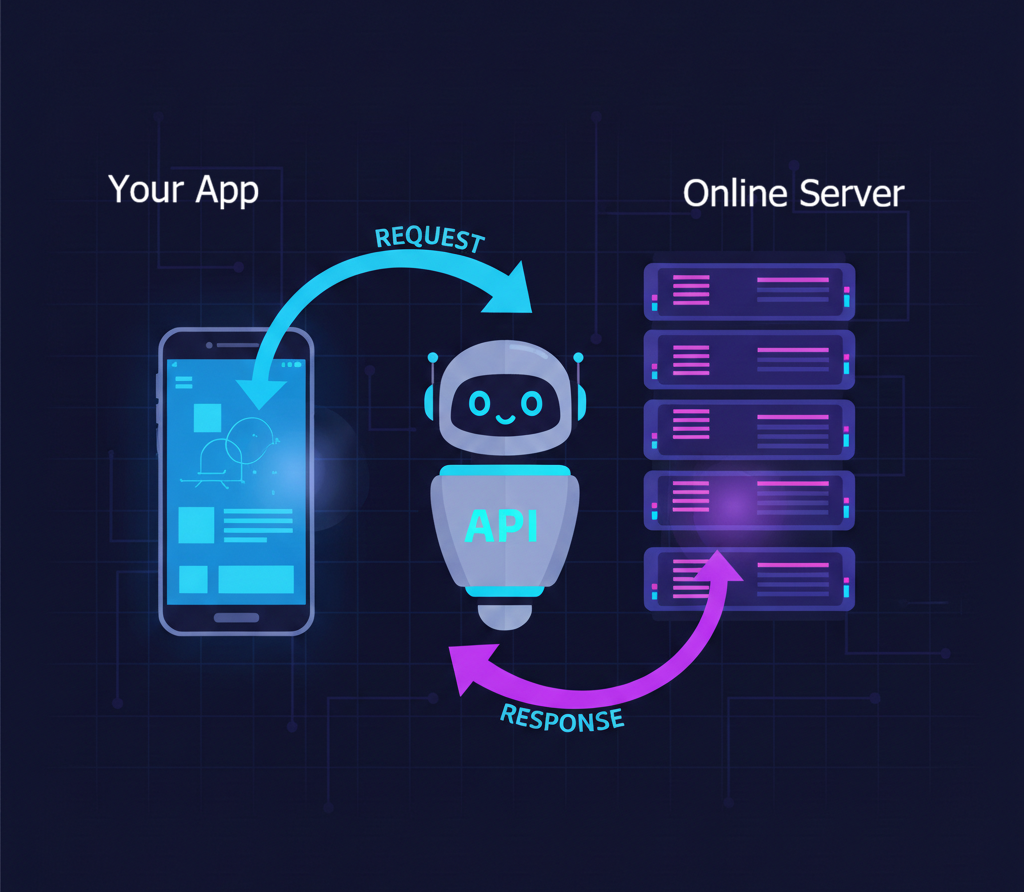
An API is a service running on a server that your application can talk to by sending requests over the internet. When you ask it "give me the weather for London," it sends back structured data in response. It's the interface that lets your code access another company's data or functionality: Spotify's music, Google's maps, Stripe's payment processing, all without needing to build those complex systems yourself.
Right now, as you're reading this, your phone or computer is having hundreds of these conversations. Your weather app is asking a server "What's the temperature in London right now?" Your banking app is checking "What's my current account balance?" Your music app is requesting "Play this song for me." The responses come back in milliseconds, and you perceive it all as seamless. But underneath, it's constant communication between your device and distant servers.
You're scrolling through Instagram on your phone. You see photos from friends in Tokyo, weather updates from your hometown, a news article someone shared, and an ad for shoes you looked at yesterday. Your phone isn't storing millions of photos, real-time weather data for every city on Earth, or constantly updated news from thousands of sources. That would be impossible.
Instead, when you open Instagram, your phone sends a quiet request over the internet: "Show me the latest posts for this user." Instagram's servers (their API) respond with exactly the data you need, at that exact moment. When you scroll down, another request goes out: "Give me the next 10 posts." More data arrives. When you like a photo, your phone sends yet another request: "Record this like." The server confirms it happened.
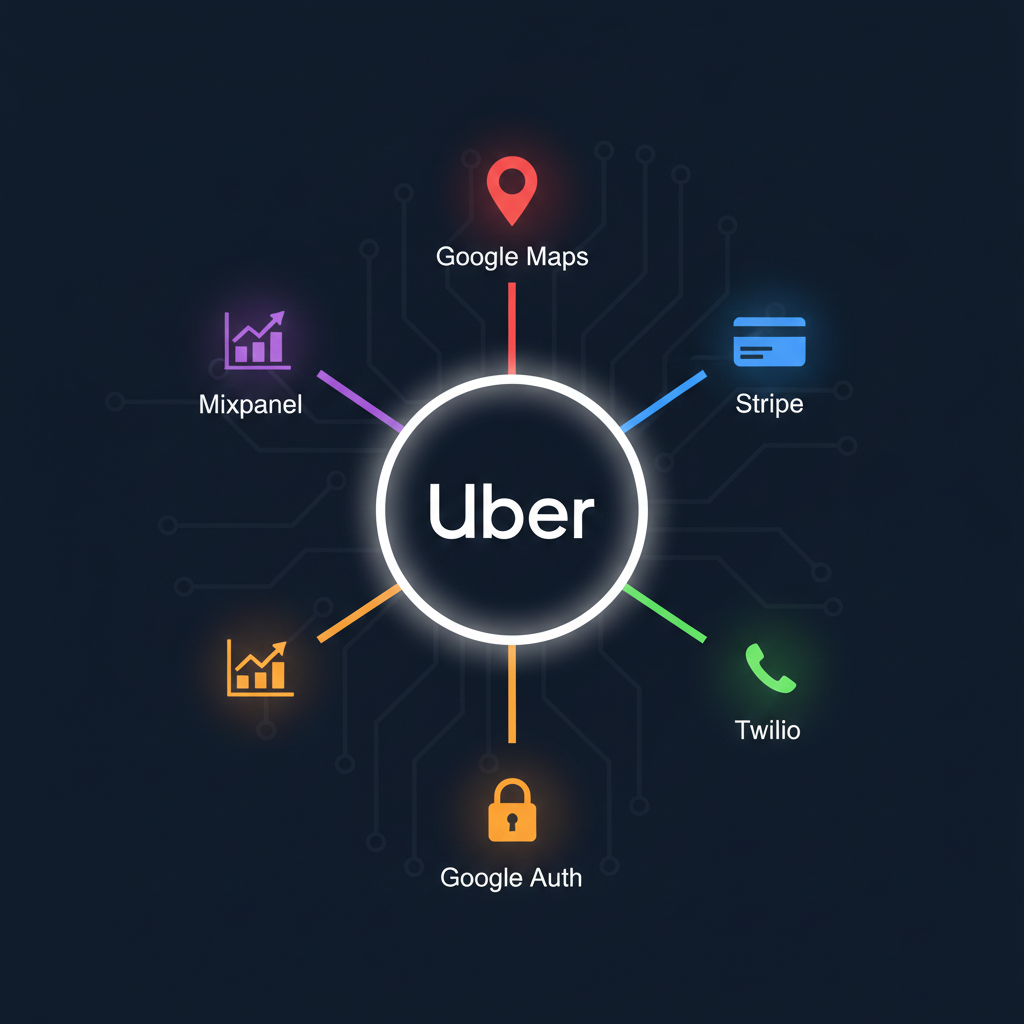
Understanding APIs transforms how you build software. Instead of creating everything from scratch, you can ask existing services to do the heavy lifting. Want to send SMS messages? Use Twilio's API. Process payments? Stripe's API. Show maps? Google Maps API. Get weather data? OpenWeatherMap's API. The most powerful applications are built by connecting existing services through APIs, not by reinventing every wheel.
See It With Your Own Eyes
A 2-Minute Exercise to Watch APIs in Action
Right now, you're going to see APIs in action. This isn't theory. You'll watch real applications making real API requests as you use them.
Open Your Browser's Developer Tools
Chrome/Edge: Press F12 (Windows) or Cmd+Option+I (Mac)
Firefox: Press F12 (Windows) or Cmd+Option+I (Mac)
Safari: Enable Developer menu first (Safari → Preferences → Advanced → Show Develop menu), then press Cmd+Option+I
Click the "Network" Tab
You'll see a panel that's currently empty or showing some activity. This is your window into every request your browser makes.
Visit a News Site
Go to nytimes.com, bbc.com, or any major news website. Keep the developer tools open.
Watch the Magic
You'll see dozens, maybe hundreds of lines appearing in the Network tab. Each line is a request your browser is making, fetching articles, loading images, checking for new comments, pulling in advertisements. Click on any line that says "json" or "api" in its name.
Look at the "Response" or "Preview" section. You're seeing the actual data the API sent back, probably a structured format with fields like "title," "author," "timestamp," and "content." This is the raw information that gets turned into the beautiful page you see.
Every website you visit is actually making dozens of API requests behind the scenes. You're not downloading complete web pages anymore. You're downloading data (through APIs) and your browser is assembling it into what you see. This architecture is called "client-server" and it's how the entire modern internet works.
Leave those developer tools open as you browse for a few minutes. Watch X, Reddit, YouTube. Every interaction triggers new API requests. You're seeing the invisible infrastructure that powers the internet. And soon, you'll know how to build it yourself.
Learning Objectives
What You'll Master in This Chapter
By the end of this chapter, you'll be able to:
- Explain what an API is and why modern applications rely on them for data and functionality.
- Watch APIs in action using your browser's developer tools and recognize the constant communication between clients and servers.
- Understand the fundamental request-response pattern that powers all web communication.
- Identify the key components of an HTTP request: methods, URLs, headers, and parameters.
- Understand what REST APIs are and recognize the patterns that make APIs RESTful.
- Read and interpret JSON data, the universal format for API responses.
- Recognize HTTP status codes and understand what 2xx, 4xx, and 5xx responses mean for your applications.